Scan any menu, order with confidence
Can't read the menu abroad? Point your camera — get every dish translated with name, description, ingredients, and price. Then show the waiter your order in one tap.
Everything you need
No language barriers,
ever again
Wherever you travel — Menufy gives you everything you need to order confidently, without relying on a waiter who speaks your language.
Point & Scan
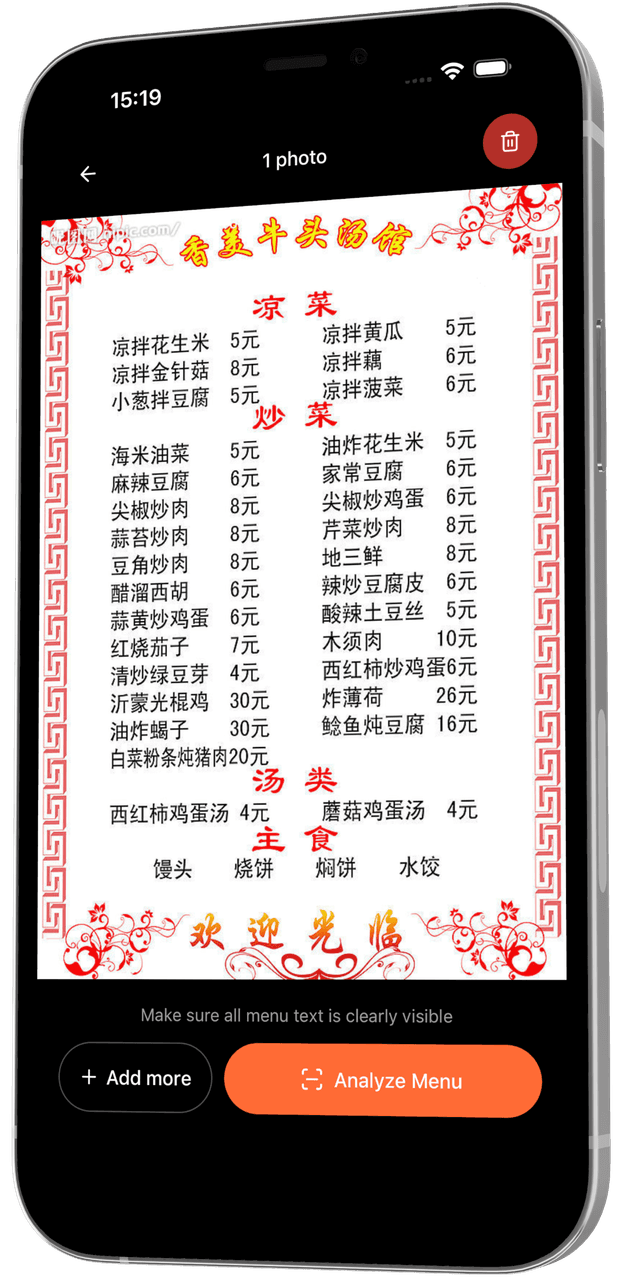
Take a photo of any menu — printed on paper, written on a chalkboard, or displayed on a screen. No QR code needed. If you can photograph it, we can read it.
Instant Translation
AI automatically detects the menu's language and translates every dish — name, description, ingredients, cooking style — into your native language. Supports 50+ languages.
Real-time Streaming
You don't wait for everything to load at once. Dishes appear on your screen one by one as AI processes the image, so you can start browsing in seconds.
Build Your Order
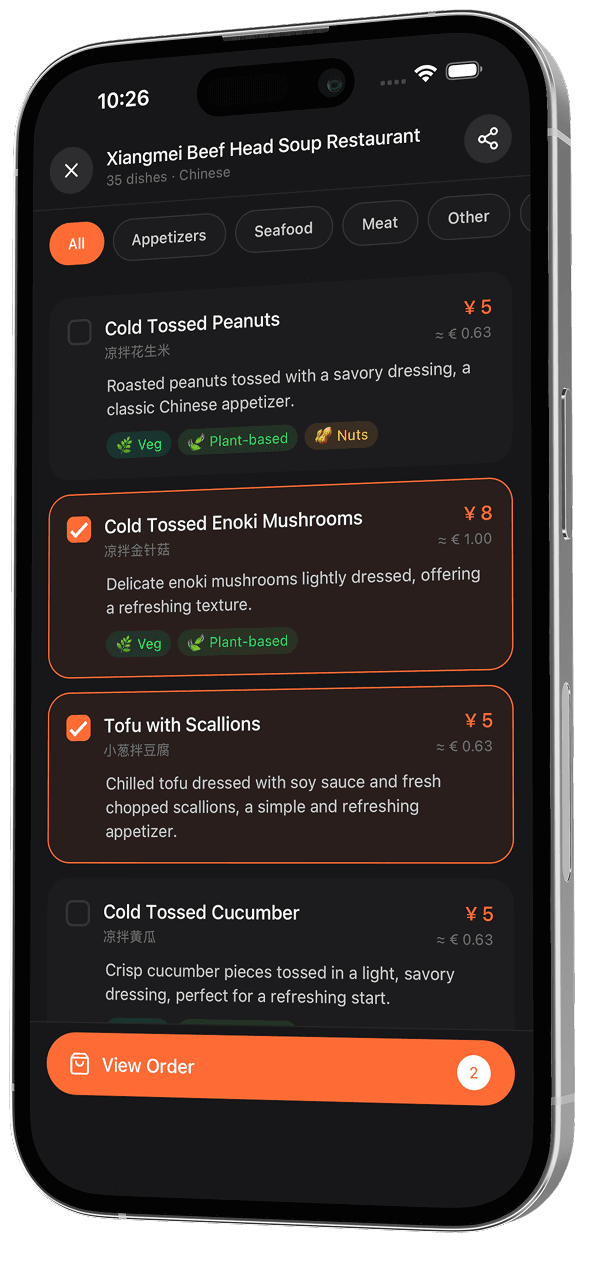
Tap any dish to add it to your order. Adjust quantities with + and − buttons. See a running total update in real time. When you're ready, show the waiter with one tap.
Currency Conversion
See prices in both the restaurant's currency and your home currency simultaneously. Exchange rates update automatically so you always know exactly what you're spending.
Scan History
Every menu you scan is saved to your history with the date and location. Go back to any previous restaurant, see what you ordered, or share a menu with friends before you visit.
How it works
Four steps, zero confusion
Take a photo
Tap the camera button, frame the menu page, and shoot — or upload from your gallery.
AI analyzes it
AI reads every word, identifies dishes, and streams translated results in seconds.
Build your order
Tap dishes to add them to your cart with original name, translation, and price in both currencies.
Show the waiter
One tap shows your full order in the restaurant's language — clear text the waiter can read.
See it in action
Every screen, designed
for the moment
Point & shoot
Open the camera, frame the menu page, and tap. Menufy works with any physical or digital menu — crumpled paper, dim lighting, handwritten specials, even photos you took earlier. If you can see it, we can read it.
The menu won't scare you anymore.


Available on iOS and Android